
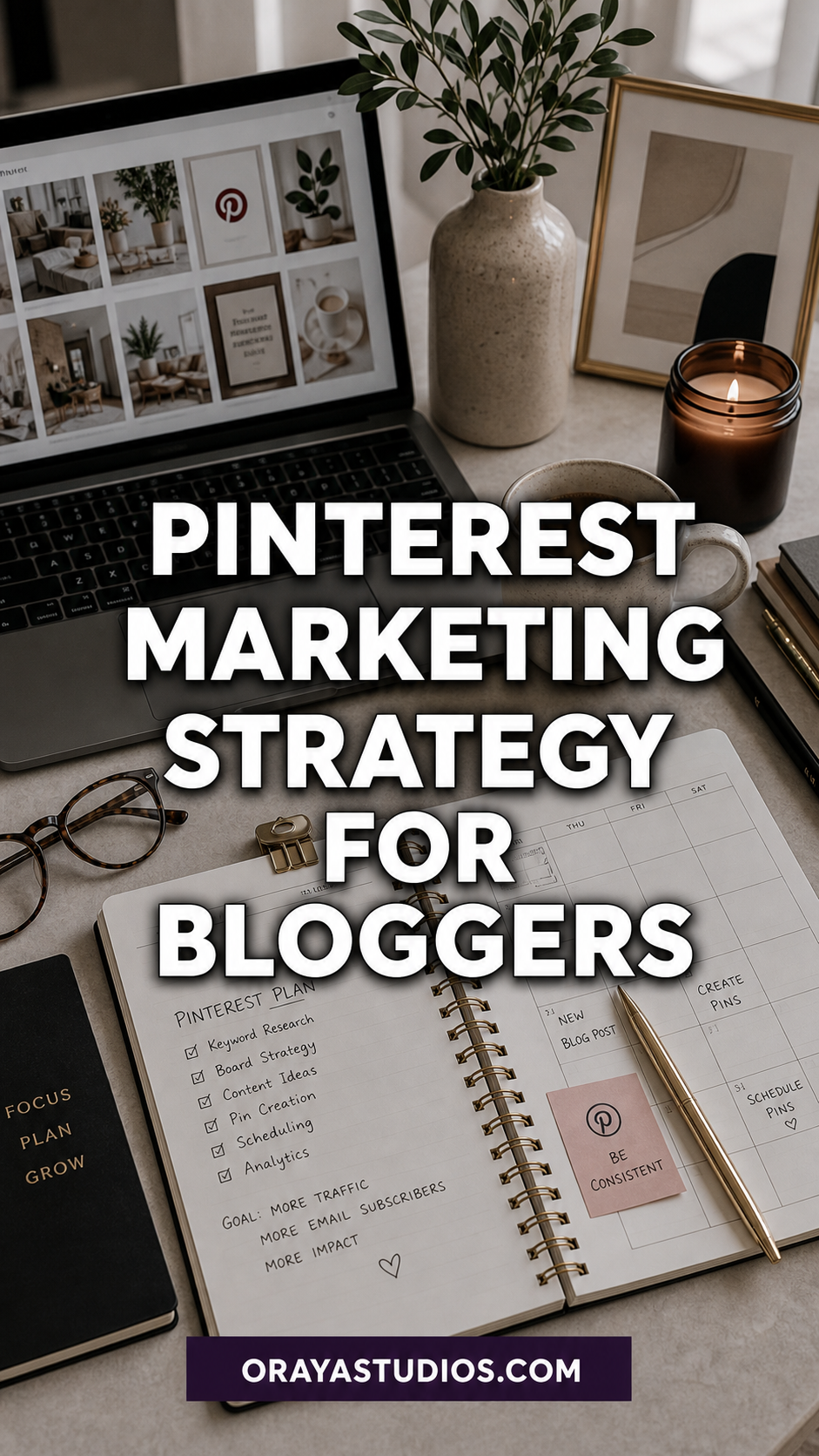
A Pinterest marketing strategy for bloggers starts with a business account, keyword-optimized boards, and consistent fresh pin creation. Focus on SEO-driven pin titles and descriptions, pin 5-15 times daily, create multiple pin designs per blog post, and track performance monthly through analytics. The bloggers who see real traffic from Pinterest treat it as a search engine, not a social media platform.
You have been pinning sporadically for months and your blog traffic from Pinterest is still disappointing. A few clicks here, maybe a save or two there, but nothing that looks like the traffic numbers other bloggers rave about.
The missing piece is almost always strategy. Random pinning without a plan is like publishing blog posts without doing any keyword research. You might get lucky once in a while, but you are leaving most of your potential traffic on the table. I went through this exact cycle before I sat down and built an actual Pinterest marketing plan for my blog.
This guide breaks down every component of a working Pinterest strategy for bloggers. Not theory or vague advice. Concrete steps you can start implementing today to turn Pinterest into a consistent, reliable traffic source for your blog.
Want the full Pinterest strategy in one toolkit?
The Complete Pinterest Toolkit includes board setup guides, pin templates, scheduling frameworks, and analytics trackers built specifically for bloggers. Get the Complete Pinterest Toolkit →
Why Pinterest Works Differently Than Other Platforms
Pinterest is a visual search engine. That distinction matters because it changes how you approach the entire platform. On Instagram or TikTok, content has a shelf life measured in hours. On Pinterest, a single pin can drive traffic to your blog for months or even years after you publish it.
People come to Pinterest with intent. They are searching for solutions, ideas, and inspiration. They type in queries like “easy meal prep ideas” or “how to decorate a small apartment” and browse through results the same way they would use Google. Your pins need to answer those searches, which means Pinterest SEO is the foundation of everything.
The compound effect is what makes Pinterest so powerful for bloggers. Every pin you create today can still be generating clicks six months from now. Unlike social media posts that disappear from feeds within hours, Pinterest content builds on itself. The more optimized pins you add to the platform, the bigger your traffic baseline becomes over time.
Setting Up Your Pinterest Business Account
If you are still using a personal Pinterest account for your blog, switch to a business account immediately. It is free and unlocks analytics, rich pins, and the ability to run ads later if you choose. More importantly, business accounts get access to Pinterest Analytics, which you need to measure what is working and what is not.
Claim your website in your Pinterest settings. This connects your blog to your Pinterest profile and enables rich pins, which automatically pull your blog post title, description, and metadata into your pins. Rich pins look more professional in the feed and tend to get higher engagement than standard pins.
Write a keyword-rich bio that clearly states what your blog covers. Pinterest uses your bio to understand your account topic. “Sharing easy weeknight recipes, meal prep tips, and budget cooking ideas” tells Pinterest exactly what searches should surface your content. Keep it specific and skip the cute phrases that do not match real search terms.
Building Your Board Strategy
Your boards are the organizational backbone of your Pinterest presence. Each board should represent a core topic your blog covers, named with keywords that match actual Pinterest search terms. If your blog covers meal prep, create a board called “Healthy Meal Prep Ideas” rather than “Food Stuff.”
Start with 8-12 boards that mirror your blog categories. Fill each board with at least 20-30 pins before creating additional boards. An account with a few well-stocked boards will outperform one with 30 half-empty boards because Pinterest sees active, content-rich boards as more authoritative.
Write detailed board descriptions using 2-3 sentences packed with related keywords. For a board about meal prep, your description might mention weekly meal planning, batch cooking, make-ahead meals, lunch prep ideas, and healthy eating on a budget. These keyword variations help Pinterest surface your board in a wider range of related searches. For a deeper look at optimizing your boards, check out our dedicated guide.
Creating Pins That Get Clicks
Pin design is where most bloggers either thrive or fall flat. The best-performing pins share a few common traits: they use vertical format (2:3 ratio), they have clear and readable text overlays, and they use high-contrast colors that stand out in a crowded feed.
Create multiple pin designs for every blog post. One post should generate at least 3-5 different pins with varying layouts, colors, and text angles. This gives you fresh content to spread across your boards over weeks without creating new blog posts. Fresh pin images are what Pinterest prioritizes in distribution.
Your pin title and description are just as important as the visual. Write pin titles that include your target keyword and promise a clear benefit. “15 Easy Meal Prep Recipes for Busy Weeknights” works because it has a number, a keyword, and a benefit. The pin description should expand on the title with 2-3 sentences that include additional keyword variations and a call to action.
Design your pins for mobile viewing first. The majority of Pinterest users browse on their phones. Text needs to be large enough to read on a small screen, images should be clear at thumbnail size, and the overall design should communicate the pin topic within two seconds of scrolling past it.
Struggling with keyword research for your pins?
The Pinterest SEO Starter Kit includes keyword research templates, pin title formulas, and description frameworks that make optimization simple. Get the Pinterest SEO Starter Kit →
Pinterest SEO: Keywords That Drive Traffic
Pinterest SEO works similarly to blog SEO but with some key differences. Keywords matter in your pin titles, pin descriptions, board names, board descriptions, and even your profile bio. Every text field on Pinterest is an opportunity to tell the algorithm what your content is about.
Start your keyword research using the Pinterest search bar. Type your topic and look at the auto-suggested search terms. These are real queries that real users type in regularly. Also check the colored keyword bubbles that appear at the top of search results. Those bubbles show you the most popular modifiers people add to your base search term.
Focus on long-tail keywords rather than broad terms. “Recipes” is impossibly competitive. “30-Minute Vegetarian Dinner Recipes” is specific enough to rank for while still having strong search volume. Long-tail keywords also match higher-intent searches, meaning the people who find your pins through these terms are more likely to click through to your blog.
Use your keywords naturally. Pinterest can detect keyword stuffing and it hurts your performance. Write pin descriptions like you are talking to a friend who asked for a recommendation. Weave keywords into conversational sentences rather than listing them robotically.
How Often Should Bloggers Pin?
Consistency beats volume on Pinterest. Pinning 5-10 times per day every day will produce better results than pinning 50 times one day and disappearing for a week. Pinterest rewards accounts that show up reliably because active accounts signal fresh, current content.
Use a scheduling tool to maintain your pinning habit without spending hours on the platform daily. Batch-create your pins and schedule them for the week ahead in one sitting. This frees you up to focus on creating blog content while your Pinterest presence runs on autopilot in the background.
Split your daily pins between your own content and curated pins from other creators. A 70/30 split works well. Your own pins drive traffic to your blog. Curated pins signal to Pinterest that your boards are genuine resources rather than pure self-promotion channels. Both types of content help your account grow.
Tracking Your Pinterest Marketing Performance
Check your Pinterest analytics at least monthly. Focus on outbound clicks (people clicking through to your blog), impressions (how often your pins are shown), and saves (how often people save your pins to their own boards). These three metrics tell you whether your strategy is working.
Identify your top-performing pins each month. What do they have in common? Is it the design style, the topic, the keyword targeting, or the board they live on? Double down on what works. Create more pins in the same style, covering similar topics, using similar keyword strategies.
Watch your traffic trends in Google Analytics too. Filter by Pinterest as a source to see which blog posts get the most Pinterest traffic. These posts are your winners. Create more content on similar topics and make additional pin designs for those high-performing posts to squeeze even more traffic out of them.
Common Pinterest Marketing Mistakes Bloggers Make
The biggest mistake is treating Pinterest like Instagram. Pinterest users are not there to follow your daily life. They are searching for specific information and inspiration. Every pin should solve a problem or answer a question, not just look pretty.
Another common mistake is giving up too early. Pinterest is a slow burn. Most bloggers will not see significant traffic results for 3-6 months of consistent effort. The algorithm needs time to learn your account, test your pins with audiences, and build your content distribution. If you quit after one month of low numbers, you are walking away right before things start to click.
Ignoring your existing blog content is also a missed opportunity. Most bloggers only create pins for new posts and forget about their archive. Go back through your old blog posts and create fresh pin designs for them. That existing content is already indexed by Google and proven to attract readers. Giving it new life on Pinterest is one of the fastest ways to boost your Pinterest traffic.
Ready to stop guessing and start growing?
The Blog Traffic Booster via Pinterest mini-course walks you through the exact system to turn Pinterest into your top traffic source. Start the Pinterest Traffic Booster →
Frequently Asked Questions
How long does it take for a Pinterest marketing strategy to show results?
Most bloggers see meaningful traffic growth within 3-6 months of consistent effort. Pinterest is a long-game platform. Pins gain momentum over time as they get saved and re-distributed. The first few months are about building your content library and training the algorithm.
Do I need to pay for Pinterest ads to get blog traffic?
No. Organic Pinterest traffic is entirely free and can be substantial. Many bloggers get thousands of monthly page views from Pinterest without spending a dollar on ads. Ads can accelerate results, but a solid organic strategy is the foundation and works well on its own.
How many pins should I create for each blog post?
Create at least 3-5 unique pin designs per blog post. Each pin should have a different layout, color scheme, or text overlay so Pinterest treats them as fresh content. Spread these pins out over several weeks rather than publishing them all at once.
Is Pinterest still worth it for bloggers in 2026?
Absolutely. Pinterest remains one of the best free traffic sources for bloggers. The platform continues to grow its user base and has invested heavily in improving content discovery. Bloggers who commit to a consistent strategy continue to see strong results from the platform.
Should I join Pinterest group boards?
Group boards have declined in effectiveness compared to previous years. Your time is better spent building and optimizing your own boards first. If you do join group boards, pick ones that are highly active, well-moderated, and closely aligned with your niche. Low-quality group boards can actually hurt your account performance.
Key Takeaways
- Treat Pinterest as a search engine, not a social platform. SEO-driven content wins.
- Set up a business account, claim your website, and enable rich pins before doing anything else
- Build 8-12 keyword-optimized boards that mirror your blog categories
- Create 3-5 unique pin designs per blog post with clear, mobile-readable text overlays
- Pin 5-10 times daily with a 70/30 split between your own content and curated pins
- Track outbound clicks, impressions, and saves monthly to refine your strategy
- Give it 3-6 months of consistent effort before judging results
Conclusion
A Pinterest marketing strategy is not complicated, but it does require consistency and patience. The bloggers who see real traffic from the platform are the ones who show up every day with fresh pins, optimized boards, and content that answers what their audience is searching for.
Start with the basics. Set up your account properly, build your core boards, create multiple pins for your existing blog posts, and commit to a daily pinning schedule. The compound effect of consistent effort on Pinterest is real, and six months from now you will be glad you started today.