
AI can save hours on your Pinterest workflow, from writing pin titles and descriptions to batch-creating designs and planning your content calendar. The bloggers getting the best results treat AI output as a draft they refine rather than a final product they publish. Pinterest can detect heavy AI use, so your own voice and judgment still need to be part of every piece you put out.
Every blogger hits a point where Pinterest feels like a second job. Fresh pins, keyword-optimized descriptions, board updates, scheduling, analytics. Doing all of it manually takes hours that most bloggers do not actually have.
AI tools have gotten capable enough to take a real chunk of that workload off your plate. But there is a right way and a wrong way to use them on Pinterest. Dump your post URL into an AI tool and publish whatever comes out, and you get generic content that underperforms. Learn where AI actually adds value, and you can cut your Pinterest time in half without sacrificing quality. Here is how that actually works.
Want ready-made AI prompts for Pinterest?
The AI Pinterest Prompts Bundle gives you done-for-you prompt templates for pin titles, descriptions, and content planning. Get it here →
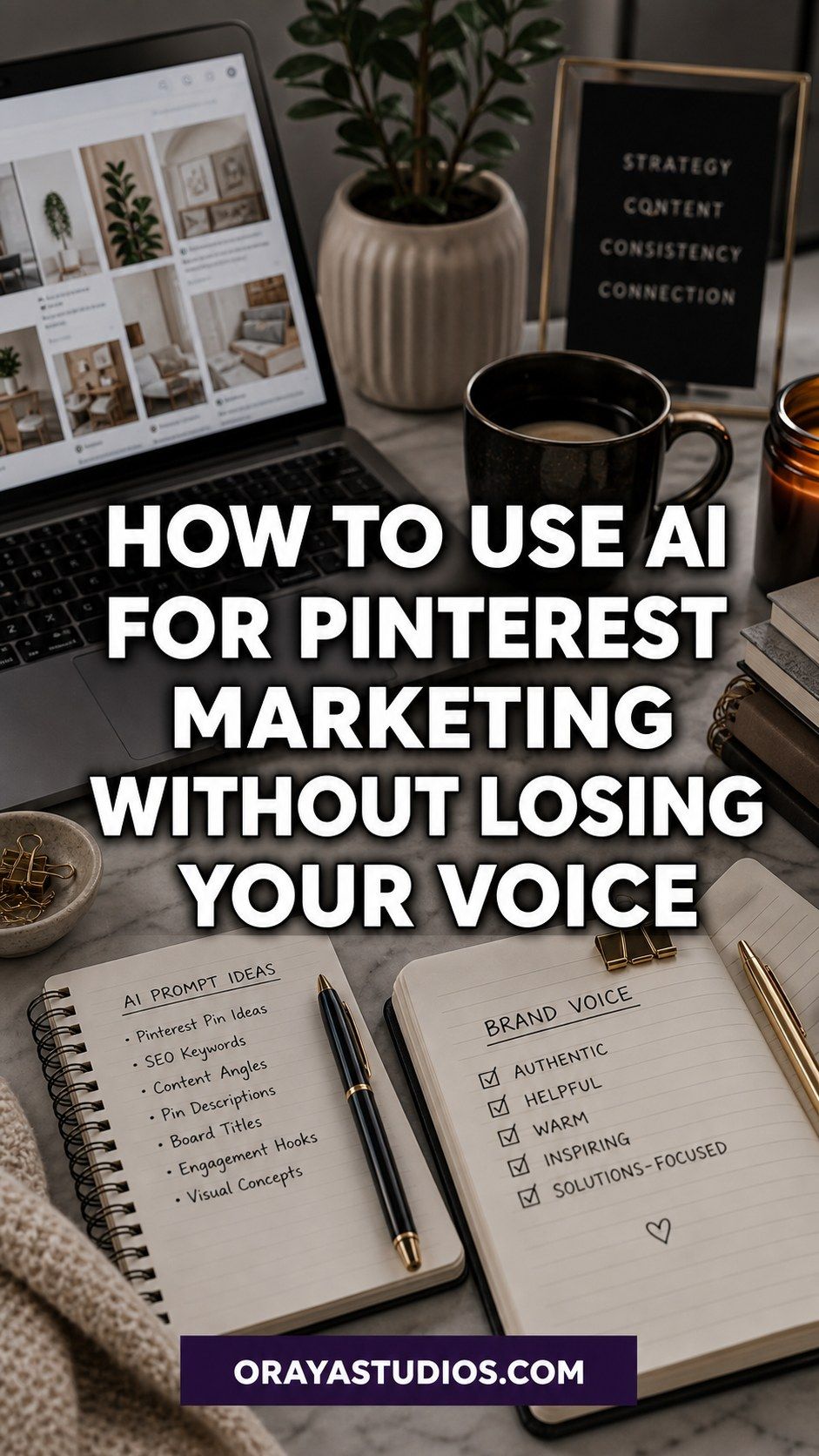
Where AI Actually Fits Into Your Pinterest Workflow
Before diving into tools and tactics, it helps to understand which parts of Pinterest marketing AI genuinely handles well. Not all of them.
AI is good at generating first-draft pin titles and descriptions, suggesting keyword variations, designing batch pin templates, writing multiple caption options for you to choose from, and building out content calendars from your existing post library. These are repetitive, structured tasks where AI saves serious time.
AI is less reliable for knowing which keywords actually have traffic on Pinterest right now, understanding your audience’s specific tone preferences, making strategic calls about which topics to prioritize, and creating images that look natural rather than generated. These require your judgment and your data.
Knowing this boundary upfront saves you from the two most common AI mistakes on Pinterest: using it for everything and getting flat, generic output, or avoiding it entirely and burning out on repetitive tasks. For the foundational strategy that sits underneath all of this, these Pinterest marketing tips are a good starting point.
Writing Better Pin Titles and Descriptions with AI
Pin titles and descriptions are where AI adds the most immediate value for bloggers. Writing keyword-rich, compelling copy for twenty pins at once is tedious. AI handles the volume; you handle quality control.
The key to good output is specific context. Instead of prompting “write a pin title for my home decor post,” try something like: “Write a Pinterest pin title for a blog post about minimalist bedroom decor on a budget. Target readers who want a calm, clean space without spending much. Keep it under 100 characters and make it searchable.” The more specific the prompt, the better the draft.
For descriptions, ask AI to include your primary keyword in the first sentence, use natural language throughout, and close with a soft call to action. Then edit the output to sound like you. Replace stiff phrasing, cut generic filler, and make sure the final version reads like something you would actually write.
A useful trick: generate four or five variations of the same description, then combine the best parts of each. You end up with something more natural than any single generated version, and often better than what you would have written in one pass.
Creating AI Pin Images Without Getting Flagged
Pinterest now uses detection software to identify AI-generated images and marks them as “AI Modified.” This does not automatically tank your traffic, but it does affect perception. The bloggers doing this well use AI image generation as a starting point, then do some editing before publishing.
A practical approach: use AI image generators for lifestyle concepts (desk setups, room inspiration, flat lays), then run them through light editing or composite them with a real photo. This keeps the aesthetic consistent while reducing the raw AI look that Pinterest’s detection catches most easily.
For text-overlay pins, AI tools like Canva’s image generation work well because the text is human-added anyway. The AI gives you a background image; you add the overlay, your brand fonts, and the call to action. The result reads as distinctly human even if the background started as AI.
The main thing to avoid: bulk-creating hundreds of identical-looking AI images and scheduling them all at once. Pinterest’s algorithm notices content patterns. Vary your designs, mix AI and real photos, and keep the overall look of your account consistent.
Planning Your Content Calendar with AI
One of the most underused AI applications for Pinterest is content calendar planning. Most bloggers pin randomly or schedule by gut instinct. AI can bring structure to that process quickly.
Start by feeding an AI tool your full list of published blog posts and asking it to organize them by seasonal relevance, content theme, and search intent. A good prompt looks like: “Here are my 40 published blog posts. Group them by seasonal relevance for Pinterest, suggest which to promote in which months, and flag any gaps where I should create new content for high-traffic search periods.”
AI will not know current Pinterest search volumes, but it identifies patterns, clusters content by theme, and surfaces gaps you may have missed. You then layer in actual keyword data to refine the plan. This kind of calendar work used to take an afternoon. With AI, it takes about fifteen minutes to get a working draft.
For the board structure that supports your content calendar, this guide to optimizing your Pinterest boards covers how to set up your boards so they actually support your search visibility.
Looking for a complete Pinterest setup?
The Pinterest Starter Bundle has everything you need to build a profile, optimize your boards, and start driving traffic. Get it here →
Speeding Up Pinterest Keyword Research with AI
AI is not a replacement for real Pinterest keyword research, but it is a fast way to generate seed keywords to validate. Instead of brainstorming from scratch, use AI to build a starting list, then check each term in Pinterest’s own search bar.
The workflow: prompt AI with something like “Give me 30 Pinterest search terms someone would use when looking for [your niche] content. Include broad terms, specific long-tail phrases, seasonal variations, and question-based searches.” Then take that list into Pinterest autocomplete to see which ones return active results with strong pin counts.
Another useful move: paste a competitor’s pin title and description into AI and ask it to identify the keywords being targeted and suggest related terms you could use. This is not copying. It is keyword gap analysis, and it surfaces terms you might never have thought to search on your own.
Once you have your keyword list validated, your profile is the first place to use it. The guide to optimizing your Pinterest profile walks through exactly where keywords belong in your setup.
What AI Cannot Do for Your Pinterest Strategy
Using AI well means knowing where it stops being useful. There are parts of your Pinterest strategy that require your judgment, and turning them over entirely to AI leads to flat content that underperforms no matter how well-optimized it looks on paper.
AI cannot tell you which topics are worth creating content around for your specific audience. It can generate keywords and ideas, but it has no data on what your readers actually engage with. Only your analytics can tell you that. Checking your Pinterest Analytics regularly is what makes those calls possible.
AI cannot replicate your voice. Every piece of AI-generated content needs editing to actually sound like you. Pinterest audiences can feel the difference between content with a real person behind it and content that was generated and published unchanged. Your specific angle, your way of framing ideas, your humor, those are what make people save your pins and click through.
And AI cannot account for the relationship side of Pinterest. Engaging with other accounts, responding to saves, and participating in niche communities all require real human attention. These low-volume actions have a disproportionate impact on how the algorithm treats your content, and no tool automates them effectively.
Need a keyword research head start?
Grab the free Pinterest Keyword Research Cheat Sheet and find the terms your audience is already searching for. Download free here →
Frequently Asked Questions
Is it safe to use AI-generated images on Pinterest?
Pinterest labels AI-generated images as “AI Modified” using detection software, but this does not automatically hurt traffic. The bigger risk is publishing large batches of identical-looking AI images, which Pinterest may deprioritize. Mix AI-generated and real photos, vary your designs, and edit AI output before publishing.
What AI tools work best for Pinterest?
For pin titles and descriptions, ChatGPT or Claude work well with specific prompts. For pin design, Canva’s AI image generation and Leonardo AI both produce good starting points. For scheduling with AI features built in, Tailwind is the most Pinterest-specific option available.
Will AI write my Pinterest descriptions for me?
AI can write a solid first draft, but you should always edit the output before publishing. AI descriptions tend to be generic unless you give very specific prompts, and they often lack the keyword precision that comes from actual Pinterest search research. Use AI for speed, then apply your own keyword knowledge and voice on top.
How much time can AI actually save on Pinterest?
For most bloggers, AI cuts time spent on pin creation and description writing by 40 to 60 percent. The biggest savings come from batch-writing descriptions for your existing post library, a task that used to take hours and now takes under one with a good prompt workflow.
Does using AI hurt Pinterest SEO?
Not if you use it correctly. AI-assisted content that has been edited for voice, keyword accuracy, and specificity performs just as well as manually written content. The problem is unedited AI output, which tends to be vague and keyword-light. Edit everything before it goes live.
Key Takeaways
- AI works best for pin title drafts, descriptions, and content calendar planning, not for strategic decisions
- Always edit AI output to sound like your actual voice before publishing to Pinterest
- Pinterest detects and labels AI images; mix AI and real photos to keep your content varied
- Use AI to generate seed keywords, then validate each one in Pinterest’s own search bar
- AI cannot replace analytics-driven strategy, audience knowledge, or genuine community engagement
- The best AI workflows treat generated content as a draft that needs your voice and judgment to become final
Wrapping Up
AI has genuinely changed what is possible for solo bloggers managing a Pinterest presence. Tasks that used to eat entire afternoons now take minutes. The catch is that the bloggers seeing the best results are the ones using it thoughtfully, not just efficiently.
Use AI where it excels: drafts, batching, ideation, and the repetitive parts of keyword research. Keep your judgment in the loop for strategy, voice, and anything that requires knowing your actual audience. That balance is what turns AI into a real productivity gain rather than a shortcut that produces content no one clicks.
For the foundational Pinterest strategy that sits underneath all of this, here is a look at whether Pinterest is still worth it for bloggers before you invest in building out the full workflow.