
A Pinterest group board is a shared board where multiple contributors can pin content. The board owner creates it and invites collaborators by email. Group boards can expand your reach by exposing your pins to the followers of every contributor, but their effectiveness has declined since 2020 as Pinterest’s algorithm shifted to prioritize individual account quality over collaborative boards.
Group boards used to be one of the fastest ways to grow on Pinterest. Pin to a popular collaborative board and your content would appear in front of thousands of followers you had not personally earned yet.
The strategy still works, but it works differently now. Knowing how group boards function, which ones are worth joining, and what to avoid will save you from the time sink that poorly managed group boards have become for a lot of creators. Understanding how the Pinterest algorithm actually works will help you make better decisions about where your content belongs.
Your boards are the foundation of your Pinterest strategy.
The Pinterest Board Optimization Toolkit shows you how to name, describe, and organize every board on your profile so Pinterest knows exactly where to place your content. Get the Board Optimization Toolkit →
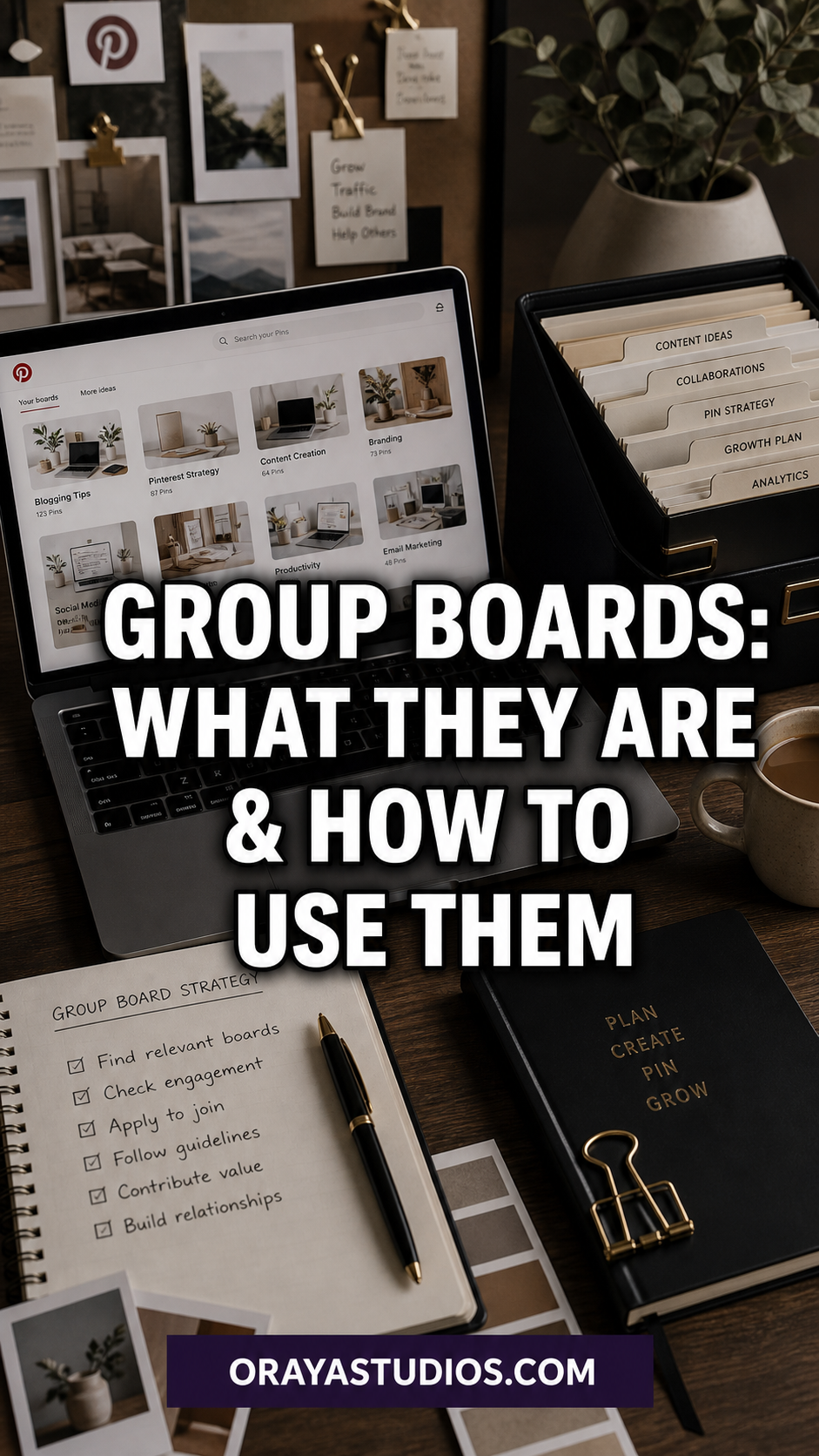
What is a Pinterest Group Board?
A group board on Pinterest is a regular board that has been opened up for multiple contributors to pin to. From the outside, group boards look the same as regular boards, with one visual difference: a small cluster of profile icons appears in the board thumbnail to indicate that multiple people contribute.
The board owner sets the rules (if any), manages invitations, and can remove contributors. Collaborators can pin content to the board as if it were their own, and those pins are then visible to everyone who follows the board.
The original appeal was straightforward: if you join a group board with 10,000 followers and you only have 200, your pins suddenly get exposure to an audience you have not built yet. This still happens, but the algorithm has made it less automatic than it used to be.
Are Pinterest Group Boards Still Worth It?
Yes, with the right expectations. Group boards that are active, well-managed, and tightly focused on a specific niche still deliver meaningful reach. Group boards that are full of off-topic pins, have low engagement rates, or have been abandoned by the owner are likely to hurt more than help.
The clearest sign that a group board is still worth joining: high follower count combined with genuine engagement on recent pins. Check when the last pin was added and whether those pins are getting saves. A board with 50,000 followers but no activity in three months is not delivering traffic to anyone.
For new accounts, group boards can still accelerate early growth. For established accounts, they are less critical than building your own well-optimized personal boards. Either way, they work best as a supplement to your primary strategy, not a replacement for it.
How to Find Good Group Boards to Join
Finding quality group boards requires some research. Here are the most reliable methods:
Search Pinterest directly
Search for your niche keyword and filter by Boards. Look for boards with the collaborator icons. Click through to see the contributor count, follower count, and recent activity. Group boards with dozens of contributors and low follower counts are usually not worth the effort.
Look at profiles in your niche
Find 5 to 10 successful accounts in your niche and look at the boards they contribute to. If they are active on a group board, it is likely worth investigating. You can see which boards someone contributes to by looking at their profile; group boards show the multi-icon thumbnail.
Use PinGroupie or similar tools
PinGroupie is a third-party directory of group boards organized by category. You can filter by follower count, contributor count, and pins per day. This saves significant time compared to manually browsing Pinterest for group boards.
Want more blog traffic from Pinterest?
The Blog Traffic Booster via Pinterest mini-course walks through a full traffic-driving system including board strategy, pin creation, and scheduling so your content reaches the right people consistently. Start the mini-course →
How to Request an Invitation to a Group Board
Most group boards do not have an open application process. You need to contact the board owner directly. Here is how to do it without being ignored:
- Find the board owner’s profile by clicking on the board and identifying who created it (usually listed first in the contributor icons)
- Look for a message button on their profile, or check their bio for an email address or website with a contact form
- Send a short, specific message: your name, your niche, a link to your profile, and why your content is a good fit for their board
- Mention 2 to 3 specific boards you contribute to or posts you have published that fit the board’s topic
- Keep it under 5 sentences. Board owners get a lot of requests and a focused message gets a faster response than a long pitch
- If you do not hear back after one follow-up attempt, move on. Not every board is open to new contributors
Your invitation request succeeds or fails based on how clearly you establish relevance. Show that your content matches what the board is already publishing and you will convert a higher percentage of requests.
How to Get the Most from Group Boards
Joining a group board is only the first step. How you use it determines whether it actually drives traffic.
- Pin your best-performing content to group boards first. Make sure all pins are correctly sized for Pinterest before pinning. These are the pins most likely to get saves and clicks from an unfamiliar audience
- Do not pin the same URL to the same group board more than once every 7 to 10 days. Repetition looks spammy and can get you removed
- Follow the board rules. Most boards specify what type of content is acceptable. Pinning off-topic content is the fastest way to lose access
- Track which group boards send traffic. Your Pinterest engagement metrics will show you if a board is driving meaningful saves and clicks or just collecting impressions with no action
- Leave boards that are not performing. Dead boards with low engagement pull your overall account quality down. Staying in them out of habit is not worth it
Red Flags: Group Boards to Avoid
Not every group board is worth joining. Here is what to watch for before accepting or requesting an invitation:
- More than 50 contributors: the more contributors there are, the harder it is for any single pin to get visibility. Look for boards with fewer active contributors and strong engagement
- Low saves on recent pins: if the last 20 pins all have under 5 saves each, the board audience is not engaged regardless of the follower count
- Off-topic pins: a board supposedly about blogging tips that is full of recipe pins and fashion content will not help your traffic
- No board description: boards with empty descriptions have not been set up for SEO, which means Pinterest struggles to rank them in search
- No activity in the last 30 days: an inactive board is not getting distribution and joining it will not change that
- Boards that require you to repin 5 things for every 1 you post: these structures are designed to inflate the board owner’s content, not to help contributors
Check your Pinterest profile is set up to support your content strategy.
The free Pinterest SEO Checklist walks through profile, board, and pin optimization so you are not leaving reach on the table before you even start building your group board strategy. Get the free checklist →
Frequently Asked Questions About Pinterest Group Boards
How do I create a Pinterest group board?
Create a regular board first. Then open the board settings and look for the “Invite” or “Collaborators” option. Enter the email address or Pinterest username of the people you want to invite. They will receive a notification and can accept or decline.
Can group boards hurt my Pinterest account?
Yes, if the group boards have low engagement or are full of off-topic content. Pinterest evaluates account quality partly based on the boards you contribute to. Being a heavy contributor to a low-quality board can suppress your overall reach. Review your group board performance every 60 to 90 days and leave any that are not delivering.
How many group boards should I join?
Quality over quantity. 3 to 7 highly relevant, active group boards will deliver more value than 30 mediocre ones. Start with a small number, track which ones drive meaningful engagement, and expand slowly based on what is working.
Do Pinterest group boards still work in 2025?
Yes, but the bar for what counts as a “good” group board is higher than it was in 2019 and 2020. Active, tightly focused, well-managed boards still drive real traffic. Abandoned or generic boards rarely do. Focus on board quality and your overall account optimization first.
Key Takeaways
- Group boards let multiple contributors pin to one shared board, exposing each contributor’s content to the board’s full follower base
- Well-managed, niche-specific group boards with genuine engagement still drive traffic and reach
- Find group boards via Pinterest search, browsing profiles in your niche, or tools like PinGroupie
- Contact board owners directly with a short, relevant pitch that shows your content fits their board topic
- Avoid boards with too many contributors, low save rates, off-topic content, or no recent activity
- Review your group board performance every 60 to 90 days and leave boards that are not delivering results
Wrapping Up
Group boards are not the quick-growth hack they once were, but they are still a legitimate part of a well-rounded Pinterest strategy when used selectively. A handful of quality boards beats a pile of low-engagement ones every time.
Start by auditing whether the group boards you are currently on are actually performing. Then look for 2 to 3 high-quality boards in your niche to add. Pair that with solid Pinterest marketing fundamentals and you will see group boards as the amplifier they are designed to be, not a shortcut that never quite delivers.