
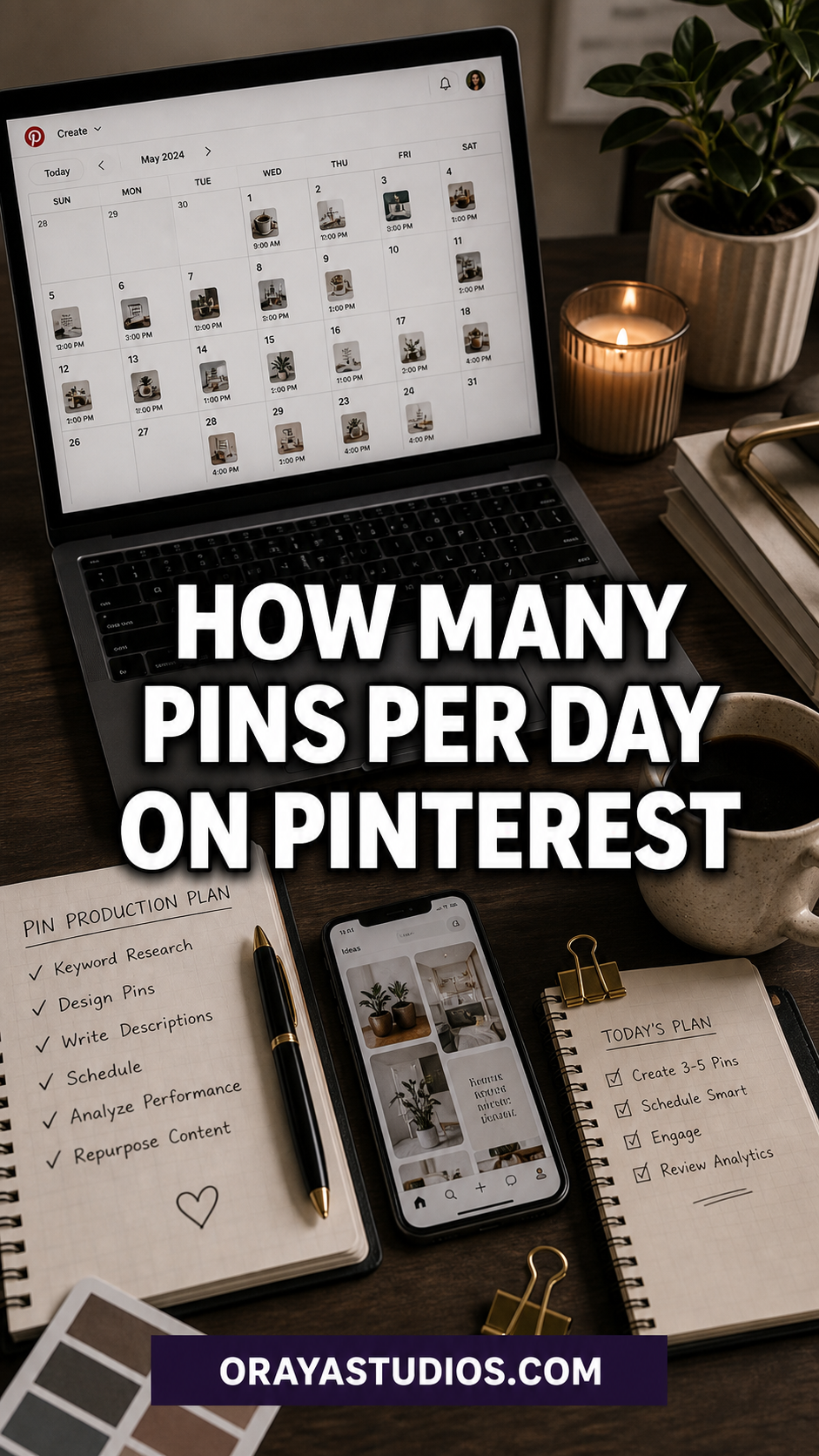
For most growing accounts in 2026, 5 to 15 fresh pins per day hits the sweet spot. New accounts do better starting at 3 to 5. Established accounts can push up to 25. But how many pins per day on Pinterest you post matters far less than whether they are fresh pins. A new image, a new title, a new description. Pinterest distributes fresh content first.
The answer that gets passed around Pinterest communities is “pin 10 to 25 times a day” and it sounds completely overwhelming if you are running a blog on your own with no scheduling tool and a full-time job.
Here is what is actually true in 2026: pin count matters, but it is not the lever most people think it is. Pinterest has shifted toward rewarding freshness over volume, which means a smaller number of new, original pins will outperform a large batch of recycled content every single time. How many pins per day on Pinterest you need depends mostly on where your account is right now.
This post breaks it down by account stage, explains the freshness rule, and covers how to stay consistent without burning out.
Want to turn your daily pins into actual blog traffic?
The Blog Traffic Booster via Pinterest mini-course walks you through building a pin system that sends consistent visitors to your site week after week. No guessing, no recycling old content that does not convert. Get the mini-course here →
Why the Pinterest Algorithm Cares About Freshness More Than Frequency
Pinterest made a significant shift a few years ago that a lot of pinners still have not caught up to. The algorithm used to reward high-volume pinners. Post 40 times a day and your content would get pushed out to more feeds.
That changed. Pinterest now evaluates each pin as a piece of content worth indexing. When you post a truly fresh pin with a new image file, a new title, and a new description pointing to your blog post or product, the platform treats it as a new entry in its search engine. It gets indexed, evaluated against keywords, and distributed to relevant audiences.
Repins and recycled content, even with slightly different descriptions, get much weaker distribution. Pinterest can recognize duplicate or near-duplicate images across accounts and over time on your own account.
The short version: one fresh pin is worth more than five repins in 2026. That changes how you should think about volume entirely.
How Many Pins Per Day Based on Your Account Stage
The number that works for you depends on how old your account is and how much content you already have indexed.
If your account is under three months old, start at 3 to 5 fresh pins per day. Your main job in this period is teaching the algorithm who you are and what your content is about. Pinning too aggressively on a new account can flag it as spammy behavior before you have built any trust signals.
Between three and twelve months, work up toward 5 to 15 fresh pins per day. This is the growth phase. You have enough existing content to mix in some repins occasionally, but the majority of what you post should still be new images pointing to your own content.
Beyond twelve months with a healthy account, you can comfortably post 15 to 25 fresh pins per day. Some established accounts post more, but research from multiple Pinterest marketing sources shows that exceeding 25 to 30 pins per day delivers diminishing returns and occasionally triggers distribution throttling.
What you should never do is post 30 pins on Monday, nothing on Tuesday, 25 on Wednesday, and nothing on Thursday. An account that posts 10 pins a day every single day will outperform an account posting 50 pins twice a week. Consistency wins every time.
Fresh Pins vs Repins: What the Difference Actually Means
Fresh means a new image file that Pinterest has not seen before. It does not mean you need a new blog post for every pin. One blog post can support 5 to 10 different pin designs, each with a different image, different title, and different description pointing back to the same URL. Pinterest treats each of those as a fresh piece of content because the visual asset is different.
Repins are when you save someone else’s pin or reshare a pin you already created. Repins used to be a solid strategy for filling your daily pin quota. That era is over. Repins still have a place in signaling your niche and contributing to board context, but they should not make up more than 20 to 30 percent of what you post. The growth comes from fresh.
This is why your focus should be on creating multiple pin designs for each piece of content you produce, rather than trying to hit a specific number of pins per day by recycling old material. Ten unique pin designs for one blog post is more valuable than pinning that same image ten times.
The Consistency Rule That Beats Any Pin Volume Formula
Pinterest is a search engine that indexes content over time. When you post on a predictable daily schedule, the algorithm can build a reliable picture of your account, which helps with distribution. Accounts that go silent for weeks and then flood the platform with content see inconsistent results because the algorithm does not know what to do with them.
Pick a daily pin count you can maintain every single day, including weekends, without burning out. If that number is 5, pin 5 every day. If you can manage 12, pin 12 every day. A consistent 7 pins per day for six months will outperform someone who posts 20 on some days and nothing on others.
Understanding how to increase Pinterest traffic as a whole system, not just pin frequency, is what separates accounts that plateau from accounts that compound over time. Pin count is one variable inside a larger picture that includes keywords, board setup, and content quality.
Tools That Handle Your Daily Pinning Without the Burnout
Pinning manually every day is possible but unsustainable for most people. A scheduling tool makes the difference between a strategy you can stick to and one you abandon by month two.
Tailwind is the most widely used Pinterest scheduling tool and is officially approved by Pinterest. You can batch-create pin titles and descriptions in a single afternoon and schedule them to post across several weeks. Their SmartSchedule feature identifies the best posting windows based on your account’s actual engagement history, which takes the guesswork out of timing.
Other options include Buffer and Publer, which are broader social media tools with Pinterest support for fresh pin scheduling. The specific tool matters less than actually using one consistently.
The goal is to batch your pin creation once or twice a week and let the scheduler handle distribution. That is how you post 10 pins per day without it taking up any daily mental bandwidth. If you are working on growing your Pinterest traffic more broadly, the scheduling system is one of the first things to get right before you worry about anything else.
Stop piecing your Pinterest strategy together from a dozen different tabs.
The Complete Pinterest Toolkit puts every template, checklist, and workflow in one place so you can build a real traffic system without starting from scratch. Get the Complete Pinterest Toolkit →
Frequently Asked Questions
How many pins a day is too many on Pinterest?
Most research points to 25 to 30 as the range where returns start diminishing. Beyond 50 pins per day, you risk triggering spam detection. The bigger issue is that very high pin volumes are only sustainable through heavy reposting, which the algorithm does not reward. More fresh pins up to about 25 per day is productive. More recycled content is not.
Does pinning more times per day actually increase my reach?
Up to a point, yes. More fresh pins give Pinterest more content to index and distribute to relevant audiences. But volume without freshness does not scale. If you increase your daily pin count by recycling old images and descriptions, you will not see proportional growth. The gains come from more fresh content, not more total pins.
Should I pin fresh content or repins every day?
Prioritize fresh pins. Repins can make up a small portion of your daily schedule but should not be your primary content. The freshness signals are what drive real distribution growth in 2026. For a full breakdown of what the algorithm actually rewards, the Pinterest algorithm myths post is worth reading before you build your pin schedule.
How long before my daily pins start driving traffic?
Pinterest typically takes 60 to 90 days of consistent pinning before traffic becomes noticeable. Fresh pins get indexed over days and weeks, not hours. The first month often feels invisible. This is completely normal. Keep your schedule consistent and evaluate results at the 90-day mark rather than the 30-day mark. Pulling the plug early is the number-one reason people conclude Pinterest does not work.
Can I post 25 pins all at once instead of spacing them out?
Technically yes, but it is not a good idea. Spacing pins throughout the day through a scheduler is far better practice. Dumping all your pins at once in a single session looks like automated bulk behavior to the algorithm and your content does not benefit from being spread across different time windows when your audience is active. Schedulers like Tailwind handle the spacing automatically once you set up your queue. A good Pinterest marketing strategy always includes a posting schedule, not just a posting count.
Key Takeaways
- 3 to 5 fresh pins per day for new accounts, 5 to 15 for growing accounts, up to 25 for established. Beyond that, returns diminish.
- Fresh means a new image file, new title, and new description. One blog post can generate 5 to 10 fresh pins using different designs.
- Consistency every single day outperforms high volume posted irregularly. Pick a number you can sustain and stick to it.
- Repins have a place but should not be the majority of what you post. Fresh content is what drives distribution growth.
- A scheduling tool like Tailwind makes daily consistency practical. Batch your pin creation once a week and let the tool handle distribution.
- Pinterest takes 60 to 90 days to show traffic results. Evaluate at the 90-day mark, not the 30-day mark.
Final Thoughts
How many pins per day on Pinterest will actually move your traffic comes down to one honest answer: the most you can post consistently in fresh format without burning out. For most solo bloggers, that is somewhere between 5 and 15. Set up a scheduler, batch your content in one sitting each week, and let the system run every day.
The biggest mistake accounts make is chasing a number instead of building a process. Get your Pinterest profile optimized, lock in your daily schedule, and treat it like a system rather than a guessing game. That is the version of Pinterest that actually compounds over time.