
To increase engagement on Pinterest, focus on four areas: pin design quality, keyword-optimized titles and descriptions, consistent posting, and board organization. Saves are the highest-signal engagement metric on Pinterest, so every decision should be made with the goal of creating content worth saving.
Your Pinterest impressions are climbing but saves and clicks are not following. Or your saves look decent but your traffic is still flat. Either way, engagement is the part of Pinterest strategy that feels the most opaque and the hardest to fix with a single tactic.
The good news is that Pinterest engagement is not random. It responds to specific and repeatable changes. This post breaks down what actually moves the needle so you can make decisions based on your own data rather than guessing.
Stop guessing what to write on your pins.
The free 50 Pin Title Templates give you proven title formulas that drive clicks and saves across any niche. Plug in your topic and you are done. Get the free templates →
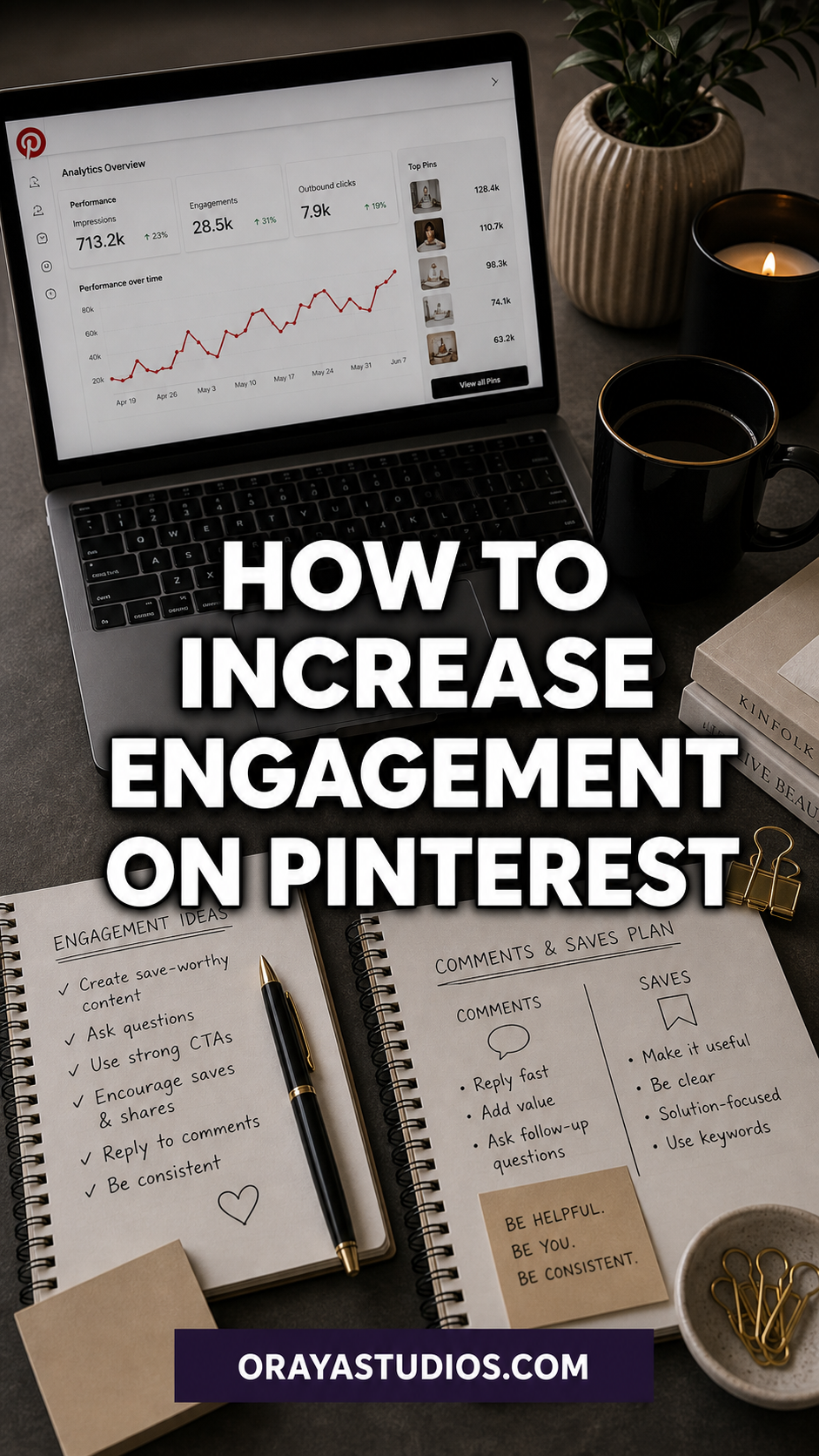
What Pinterest Engagement Actually Measures
Before trying to improve engagement, it helps to know what Pinterest is actually counting. The main engagement signals are:
- Saves (Repins): The highest-value action. When someone saves your pin to one of their boards, Pinterest takes that as a strong signal that your content is useful and worth showing to others
- Outbound clicks: Clicks from a pin through to your website. This is the direct traffic signal
- Closeups: When someone taps your pin to view it at full size. High closeups with low saves usually means the image grabbed attention but the content or landing page did not deliver
- Impressions: How many times your pin appeared in feeds or search results. Impressions are reach, not engagement. High impressions with low saves means distribution is working but content is not connecting
The ratio to watch most closely is saves per 1,000 impressions. That tells you how compelling your content is relative to how many people saw it. A low save rate despite high impressions is a content or design problem, not a reach problem.
Pin Design Changes That Drive More Saves
Design is the first filter. If your pin does not get a closeup, it will not get a save. A few changes that consistently improve engagement:
- Use high contrast between your text and background. Dark text on light backgrounds or light text on dark overlays reads clearly at thumbnail size
- Put your headline in the top half of the pin where it appears before the crop in the feed
- Use one clear focal point. Busy designs with multiple competing elements get scrolled past
- Test warm color palettes against your current designs. Reds, oranges, and earthy tones historically outperform cool blues and greens in click-through rate on Pinterest
- Keep text short on the pin itself. The pin title and description do the keyword work. The pin image just needs to stop the scroll
Always check your Pinterest pin dimensions before publishing. A cropped or off-ratio pin undermines even the best design work.
How to Write Pin Titles That Get Clicked
Your pin title is one of the most important pieces of text you will write for Pinterest. It tells the algorithm what your pin is about and it tells the human reader whether to click. Both audiences need to be satisfied.
For the algorithm: include your primary keyword naturally in the first half of your title. Pinterest reads pin titles to determine what searches your content should appear in. If the keyword is buried at the end or missing entirely, the algorithm has less confidence about where to place you.
For the human: write a title that is specific, useful, and tells the reader exactly what they will get. “Best tips” and “Ultimate guide” are overused. “7 Pinterest pin designs that doubled my saves in 30 days” is specific and credible. The more specific the promise, the higher the click-through rate.
Applying these principles is one of the most direct paths to better engagement. Pair them with solid Pinterest marketing fundamentals and you have a repeatable system.
Want a complete Pinterest system that drives consistent saves?
The PinFlow Blueprint covers pin strategy, title writing, scheduling, and board setup from start to finish. Built for bloggers who want a system they can repeat, not a list of one-off tactics. Get the PinFlow Blueprint →
Board Organization and How It Affects Engagement
Your boards signal to Pinterest what topics you publish about. A well-organized board structure helps the algorithm place your content in the right searches. A messy board structure creates confusion about your niche and can dilute your reach.
Each board should have a clear, keyword-rich name and a full description that uses the language your target audience searches for. The first 10 to 20 pins on each board set the tone for what the board is about, so make sure they are high-quality and on-topic.
Pinning off-topic content to your boards is one of the quieter engagement killers. If you run a food blog and you save 15 fashion pins to a cooking board because you liked them, you are diluting the topical authority of that board. Keep boards tightly focused. Optimizing your Pinterest boards is a one-time investment that pays off in distribution for every pin you publish after.
Posting Consistency and Why It Matters
Pinterest rewards accounts that post regularly over time. An account that pins 10 well-optimized pins every day for 60 days will build more momentum than an account that pins 500 pins in one week and then disappears for a month.
This is not about hitting a specific number. It is about training the algorithm to expect content from you. When you post consistently, Pinterest starts routing more of your pins into recommendation feeds. When you go dark for weeks, that routing slows down and takes time to rebuild.
Use a scheduling tool to maintain consistency without manually pinning every day. The engagement benefit of showing up regularly far outweighs the extra setup time. If you want to see how this fits into a larger system, the Pinterest automation guide walks through exactly how to set it up.
How to Read Your Engagement Data and Act on It
Most Pinterest users check their analytics, feel vaguely confused, and close the tab. The data is genuinely useful once you know what to look for.
Sort your pins by saves over the last 90 days. The pins with the most saves are your signal about what your audience actually finds valuable. Look for patterns in topic, format, design style, and the specific language used in the title. Then create more content that matches those patterns.
Sort by outbound clicks next. High-click pins with low saves mean people are going to your website but not saving the pin. That could mean the pin design is generic enough that people click but do not feel compelled to save it for later. Try redesigning those pins with a stronger visual hook.
Getting comfortable with Pinterest analytics takes practice but it turns every post you publish into a learning opportunity rather than a guess.
Ready to build a Pinterest strategy that runs itself?
The Complete Pinterest Toolkit has everything in one place: templates, keyword frameworks, posting schedules, and board setup guides. Get organized once and maintain it without the constant second-guessing. Get the Complete Toolkit →
Frequently Asked Questions About Pinterest Engagement
What counts as engagement on Pinterest?
Pinterest engagement includes saves (repins), outbound clicks, closeups, and comments on Idea Pins. Saves carry the most weight in the algorithm because they signal that your content is worth returning to.
Why are my Pinterest impressions high but saves are low?
High impressions with low saves usually means your pin is getting distributed but not resonating. Common causes: pin design is not compelling enough to stop the scroll, the title does not promise something specific enough to save, or the content topic is not something your audience saves for reference.
How long does it take to see engagement improvements on Pinterest?
Most changes take 30 to 60 days to show meaningful results because Pinterest surfaces content slowly over time. Design changes can show faster feedback in closeup rates within a week or two. Keyword and consistency improvements typically take 4 to 8 weeks to reflect in saves and click data.
Does commenting or liking other pins help my engagement?
Commenting on Idea Pins has some small benefit for visibility. Liking other content does almost nothing for your own reach. The highest-return activity is always creating and publishing well-optimized pins on a consistent schedule.
Key Takeaways
- Saves are the most important engagement metric. Optimize every decision toward content people want to save
- High-contrast design, a clear focal point, and a short on-pin headline drive more closeups and saves
- Pin titles should include your primary keyword in the first half and make a specific, useful promise to the reader
- Board organization affects distribution. Keep boards focused and keyword-rich
- Consistent daily pinning builds algorithm momentum faster than occasional volume bursts
- Sort your analytics by saves to find what resonates, then create more content that matches those patterns
Wrapping Up
Pinterest engagement improves when you treat every element of a pin as a deliberate choice rather than a box to check. The design, the title, the board it goes on, and the consistency of your posting schedule all feed into the same outcome: content that the algorithm wants to distribute and that real people want to save.
Pick one area to improve first. If your save rate is low, start with design and titles. If your click-through rate is low, look at your board alignment and keyword targeting. One focused area at a time will move your numbers faster than trying to fix everything at once. Check the Pinterest algorithm myths post to make sure none of the bad advice you have picked up along the way is working against you.