
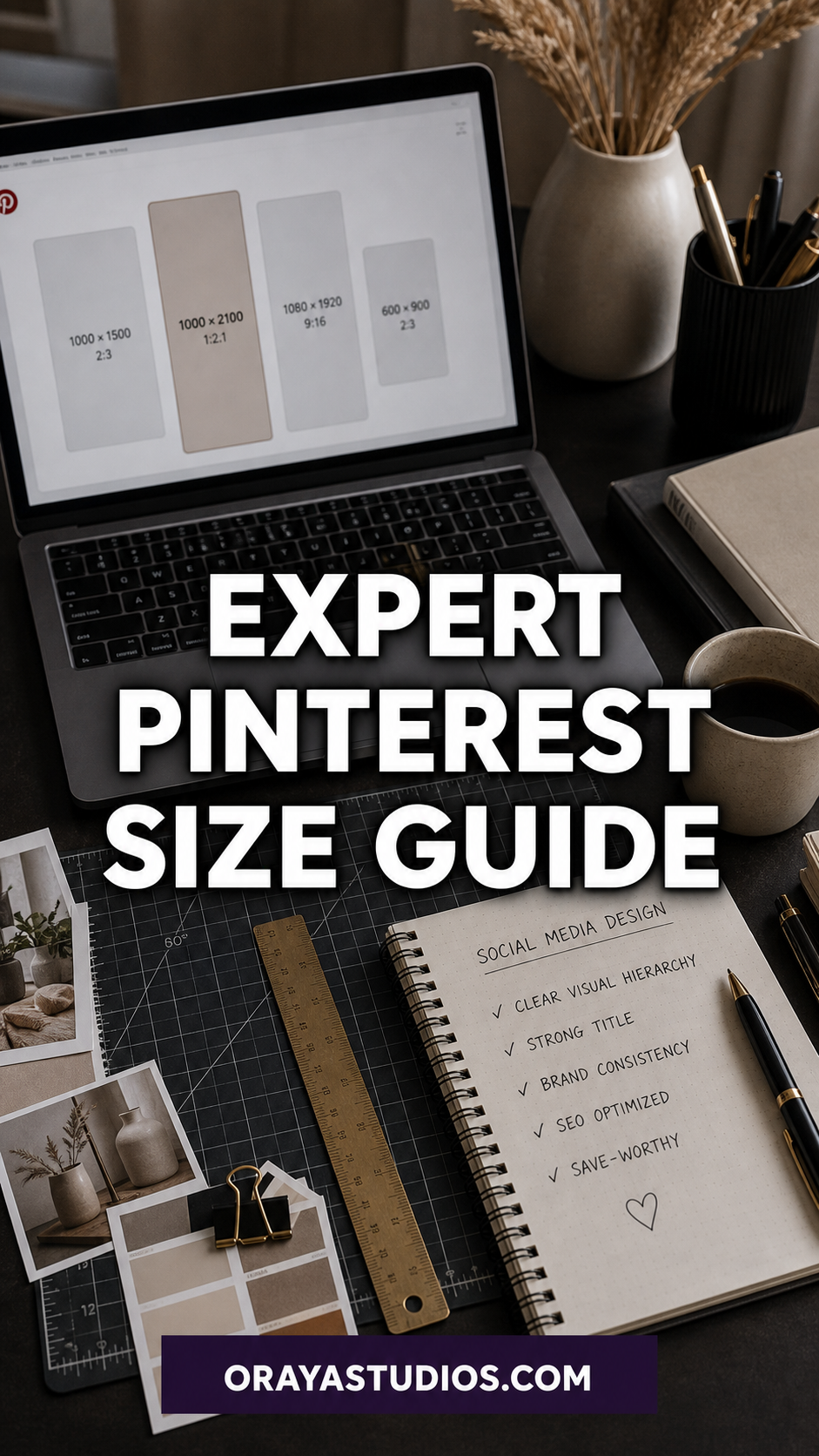
The ideal Pinterest pin size is 1000 x 1500 pixels with a 2:3 aspect ratio. This format displays best in the feed, resists cropping, and outperforms other dimensions in both impressions and saves. For profile photos use 165 x 165 pixels, and for board covers use 800 x 800 pixels.
You spent an hour designing a pin. You scheduled it. And then Pinterest cuts it in half in the feed, or worse, buries it because the format is off.
That is not a content problem. That is a size problem. Getting your Pinterest image dimensions right is one of those small technical details with a surprisingly big impact on how your pins perform. This guide covers every Pinterest size you need to know: standard pins, idea pins, board covers, and profile photos. Nothing gets cut off or pushed down in the feed again.
Never guess your pin dimensions again.
Grab my free Pinterest Pin Template, pre-sized at 1000x1500px and ready to drop your content into. No resizing headaches. Get the free template →
Why Pinterest Image Sizes Actually Matter
Pinterest is a visual search engine. The algorithm decides in milliseconds whether to show your pin to more people, and image format is one of the signals it reads. Pins that fall outside the recommended aspect ratio get cropped in the feed. Cropped pins look broken. Broken-looking pins get scrolled past.
Beyond cropping, Pinterest’s own documentation confirms that standard-format pins are prioritized in distribution. That means a correctly sized pin reaches more people before you even think about keywords or descriptions. It is the foundation everything else sits on. If you are investing time into Pinterest marketing strategies, getting the size right first is non-negotiable.
The Ideal Pinterest Pin Size: 1000 x 1500 Pixels
The standard recommended pin size is 1000 x 1500 pixels. That is a 2:3 aspect ratio and it is the sweet spot for feed display across both desktop and mobile. Here is why it works so well:
- Takes up maximum vertical space in the feed without triggering Pinterest’s crop on long pins
- Displays cleanly on mobile, where over 85% of Pinterest traffic comes from
- Matches the default canvas size in Canva’s Pinterest template, making design faster
- Gives enough room for a strong headline, supporting text, and your branding at the bottom
Technically you can go up to 1000 x 2100 pixels (a 1:2.1 ratio) and Pinterest will display it, but anything taller than that gets cropped in the feed. Stick to 1000 x 1500 as your default and you will not have to think about it again.
What Happens When You Use the Wrong Pin Size
Square pins (1:1) and horizontal pins (landscape format) are technically allowed on Pinterest, but they perform significantly worse. Here is what actually happens:
- Square pins take up less vertical real estate in the feed. Other pins surround yours and pull attention away
- Landscape pins get displayed with huge empty white margins on either side, which looks awkward and amateur
- Both formats have lower click-through rates on average compared to the standard 2:3 vertical format
- Pinterest may reduce distribution for consistently off-format pins as part of its quality scoring
The exception is if you are repurposing content across platforms. A square graphic that works for Instagram can be uploaded to Pinterest, but create a separate vertical version if you want it to actually perform. AI tools can speed up that resizing process without sacrificing your brand aesthetic.
Standard Pin Dimensions by Format
Pinterest has a few different pin formats beyond the standard static image. Each one has its own size requirements:
Static Image Pins
1000 x 1500 pixels (2:3 ratio). This is the workhorse format. Use it for blog post promotions, product features, infographics, and quote graphics.
Idea Pins (Multi-Frame)
1080 x 1920 pixels (9:16 ratio), the same dimensions as an Instagram Story or TikTok video. Idea Pins can hold up to 20 pages and support both video and static image frames. They display differently in the feed than standard pins and work well for tutorials, step-by-step content, and behind-the-scenes material.
Video Pins
Video pins can be 1:1, 2:3, or 9:16. The 9:16 ratio performs best on mobile. Keep videos between 6 and 15 seconds for the highest completion rates, and always add text overlay since Pinterest autoplay is muted by default.
Want everything in one place?
The Complete Pinterest Toolkit has templates, size guides, pin writing frameworks, and scheduling checklists, covering everything you need to run Pinterest without constantly Googling the specs. Grab the toolkit →
Board Cover and Profile Photo Sizes
These two are often overlooked, but they matter for your first impression when someone lands on your profile.
Profile Photo
Pinterest displays profile photos as a circle at 165 x 165 pixels. Upload at least 400 x 400 pixels so it stays sharp when Pinterest scales it. Avoid putting important information near the edges since the circular crop will cut them off. Your profile photo is part of your first impression, so optimize your full Pinterest profile to make sure everything else is set up correctly too.
Board Cover Photos
Board covers display at 800 x 800 pixels (1:1 ratio). You can design a custom square cover for each board. This is one of the fastest ways to make your profile look intentional and on-brand. Use your brand colors and a clean readable font. Board cover size is different from your standard pins so design them separately.
How to Design Pins at the Right Size Every Time
The easiest approach is to start with a template that is already correctly sized. Canva has a built-in Pinterest Pin template set at 1000 x 1500 pixels. Open it, drop in your image and headline, and you are done. No calculator needed.
If you design in Adobe Express, the same logic applies. Search for Pinterest Pin and use their preset. For batch creation, create a master template and swap out the background and headline for each new pin rather than starting from scratch each time. Batch creation is one of the highest-efficiency activities in a Pinterest workflow and getting your template sized right from the start means every pin in the batch is correct automatically.
A few things to build into your template from the start:
- Your logo or URL at the bottom (small, not competing with the headline)
- A high-contrast headline that reads clearly at thumbnail size
- A safe zone in the center of the image where important content will not get cut by Pinterest’s thumbnail crop
- Consistent color palette and font choices that make your pins recognizable across the feed
Common Pinterest Size Mistakes to Avoid
Even experienced pinners make these. Here is what to watch for:
- Uploading pins taller than 1:2.1: Pinterest crops these aggressively in the feed and they look unfinished
- Designing at 72 DPI instead of 150+ DPI: low resolution images look blurry on retina screens
- Using the wrong canvas size for Idea Pins: a standard 1000×1500 pin looks pillarboxed inside an Idea Pin frame
- Putting critical text at the very top or bottom of a pin. Pinterest’s feed view sometimes cuts these areas slightly
- Exporting at low JPEG quality. Aim for PNG for text-heavy pins and high-quality JPEG for photography-based pins
Getting your size right takes about 30 seconds with a template. Fixing a pin that got cut or looks wrong in someone’s feed is something you cannot undo once it is live.
Size is just one piece of the puzzle.
The Pinterest SEO Starter Kit covers keywords, pin titles, descriptions, and board optimization so your correctly-sized pins actually show up in search. Get the SEO Starter Kit →
Frequently Asked Questions About Pinterest Image Sizes
What is the best Pinterest image size?
1000 x 1500 pixels at a 2:3 aspect ratio is the best Pinterest pin size for standard static images. It displays without cropping, takes up strong vertical space in the feed, and is supported by every major design tool as a preset template.
Can I use square pins on Pinterest?
Yes, but they underperform. Square pins (1:1) take up less vertical space in the feed and tend to get lower click-through rates than vertical 2:3 pins. If you have a square asset, create a vertical version for Pinterest specifically.
What size should Pinterest video pins be?
Video pins work best at 9:16 (1080 x 1920 pixels) for mobile viewing, or 2:3 (1000 x 1500 pixels) as a secondary option. Keep videos under 15 seconds and add text overlay since the feed plays them muted.
Does image size affect Pinterest reach?
Yes. Pinterest prioritizes correctly formatted pins in its distribution. Off-format pins get cropped, which reduces engagement, and low engagement signals to the algorithm to show that pin to fewer people. Starting with the right size is one of the simplest things you can do to protect your reach.
What file size should Pinterest pins be?
Pinterest recommends keeping pin files under 20MB. In practice, well-optimized pins are usually 200KB to 1MB. Use PNG for pins with text overlays and high-quality JPEG for photo-based pins. Smaller file sizes also load faster, which helps with user experience on slower connections.
Key Takeaways
- The ideal Pinterest pin size is 1000 x 1500 pixels (2:3 ratio). Use it as your default for all standard pins
- Idea Pins and video pins use 1080 x 1920 pixels (9:16 ratio)
- Board covers are 800 x 800 pixels and profile photos display at 165 x 165 pixels
- Pins taller than a 1:2.1 ratio get cropped in the feed. Never go beyond 1000 x 2100 pixels
- Start every design from a correctly-sized template so you never have to manually calculate dimensions
- Size affects reach: off-format pins get lower engagement and reduced distribution
Wrapping Up
Pinterest size specs are not glamorous, but they are one of the fastest things you can get right. Set up a 1000 x 1500 template once, bookmark this guide for the edge cases (Idea Pins, board covers, profile photos), and move on to the things that take more time.
The basics clear the path for everything else. Once your pins are sized correctly and displaying well in the feed, the next step is making sure they are optimized to actually get found. Understanding your Pinterest analytics is the clearest way to know which of your correctly-sized pins are actually resonating, and which ones need a different approach.