
Quick answer: Automating Pinterest marketing means systemising the repeatable work so the strategic work gets your full attention. The four areas to automate are pin design templates, scheduling, board organisation, and analytics review. Done well, a one-hour weekly batch session can replace an hour of daily manual pinning.
Pinterest rewards consistency. The problem is that consistency takes time, and most creators do not have a daily hour to spend inside the app. Automation does not mean handing the platform to a bot. It means choosing which parts of the work a system can handle so the work that needs judgement gets the time it deserves.
This guide walks through the four parts of a Pinterest workflow that automate cleanly, the tools that do the job in 2026, and the parts of the workflow that should stay manual. Every account is different, but the structure below applies whether the goal is blog traffic, product sales, or building authority in a niche.
Want a complete Pinterest automation system, not just the basics?
The PinFlow Blueprint walks through the full automation playbook end to end: pin templates, scheduling rhythms, board structure, and the analytics loop that tells you what to scale. Currently $47 (originally $97).
Recommended reads from this site
- How to grow your traffic on Pinterest
- How to create engaging Pinterest graphics in minutes
- How to use AI for Pinterest marketing without losing your voice
- Using Pinterest Analytics to grow blog traffic
- Planning seasonal Pinterest content
What Pinterest automation actually means
Automation is a confusing word in Pinterest circles because it gets used for two very different things. There is task automation, which is replacing manual clicks with scheduled actions. And there is content automation, which is using AI tools to generate the actual designs or descriptions. Both have a place. Both can also be misused.
A good Pinterest workflow uses task automation generously and content automation carefully. The platform rewards original, on-brand pins. AI-generated pins that look like AI-generated pins underperform. AI-assisted pins that retain the account’s visual voice perform well. The same applies to descriptions.
The four parts of a Pinterest workflow worth automating
The Pinterest workflow has eight or nine moving parts. Four of them automate cleanly. The rest stay manual because they require judgement the algorithm cannot make for you.
1. Pin design templates
Building three to five branded templates in Canva or Figma cuts pin design time by roughly 70 percent. Each template is a layout with locked typography, brand colours, and placeholder zones for the image and headline. New pins become a fill-in-the-blank exercise rather than a fresh design every time. The discipline pays back across hundreds of pins.
2. Scheduling
Manual daily pinning is the single biggest time drain on the platform. A scheduler removes it entirely. Tailwind is the most established option and remains a strong pick if pin volume justifies the cost. Pinterest’s native scheduler is free and supports up to two weeks of queued pins, which is enough for most accounts under 30 pins per week.
3. Content batching and queueing
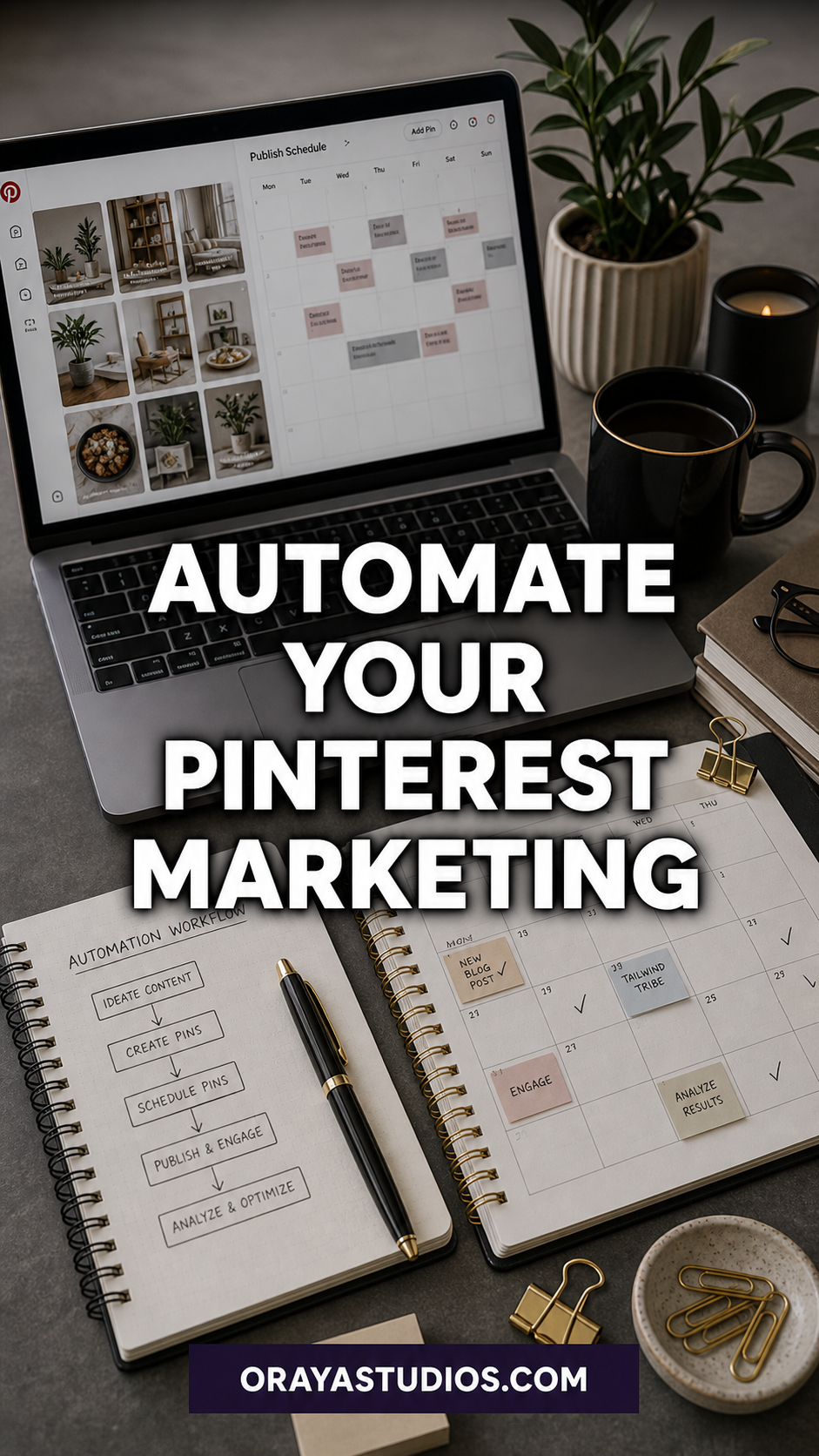
Batch pin creation in weekly or biweekly sessions, then schedule the entire queue at once. One hour on a Sunday produces a full week of pins. The batch session also forces strategic thinking about what to pin, which a daily one-pin-at-a-time workflow rarely does. The combination of templates plus batching plus scheduling is where most of the time savings live.
4. Cross-posting from blog publishing
Connecting an RSS feed to Tailwind or Pinterest’s native publisher creates pins automatically when new blog posts go live. This is the lowest-effort form of automation: every new post generates a baseline pin without manual intervention. The baseline pin should always be supplemented with manually designed pins later, but the automatic version covers the immediate publishing window.
The parts that should stay manual
Some Pinterest work should stay manual because the upside of doing it well is too high to delegate to a system.
Keyword research stays manual. The Pinterest search bar reveals real, recent queries that no scheduling tool surfaces. The five minutes spent on autocomplete and the coloured tile suggestions before writing a pin description is worth more than the next hour of scheduling.
Performance review stays manual. Pinterest Analytics rewards interpretation, not just collection. Looking at which pins are getting saves but not clicks, or which boards are pulling weight, is the part of the workflow that produces the next iteration. A scheduler cannot do this for you.
Pin headlines stay manual. The text overlay on a pin is the conversion mechanism. AI-generated headlines tend to be technically correct but emotionally flat. Headlines that earn the click require taste, which is the part of marketing automation tools still cannot replicate.
A realistic weekly automation rhythm
Most accounts do well with a single one-hour batch session per week. The session has four parts: 15 minutes of keyword research and topic selection, 30 minutes of pin design using existing templates, 10 minutes of writing keyword-led descriptions, and 5 minutes of queueing the pins in the scheduler. The result is roughly 10 to 25 pins ready to publish across the next seven days.
At higher volumes, the same structure scales. Two batch sessions per week, an hour each, comfortably support 50 to 80 pins per week. Beyond that volume, the workflow stops being a solo job and becomes a small team operation.
Tools worth using in 2026
Tailwind remains the most complete scheduling platform for serious Pinterest accounts. The SmartSchedule feature, the analytics integration, and the bulk-upload workflow are the three features that justify the cost at scale.
Pinterest’s native scheduler is free and works for accounts under 30 pins per week. There is no shame in using it. The free option does the core job.
Canva or Figma cover pin design templates. Canva has the lower learning curve. Figma has the cleaner template system once it is set up. Either works; consistency matters more than the tool.
AI tools have a place for pin variation generation, but the originals should still be human-designed. The most defensible use of AI for Pinterest in 2026 is generating variations on a proven template, not generating new designs from scratch.
Prefer to have the whole Pinterest channel run for you?
Oraya Studios offers done-for-you Pinterest management: profile and board architecture, keyword strategy, pin design, scheduling, and monthly reporting. The work that takes you four hours a week takes us one.
Frequently asked questions
How much time can Pinterest automation actually save?
Most creators save four to six hours per week after setting up templates, a scheduler, and a weekly batch rhythm. The first two weeks of setup feel like more work, not less. The savings kick in once the templates and queue are stable.
Does Pinterest penalise scheduled pins?
No. Tailwind and Pinterest’s native scheduler both publish pins through approved API access. Pinterest treats a scheduled pin identically to a manually posted pin. The algorithm cares about pin freshness and relevance, not the mechanism that posted it.
Should I use AI tools to generate Pinterest pins?
Use AI for variations on a proven template, not for original designs. AI-generated pins that look generic underperform consistently. Hybrid use, where a human designs the base template and AI generates colour or image variations, performs well.
Is Tailwind worth the cost in 2026?
Tailwind is worth it for accounts publishing more than 30 pins per week or for accounts that depend on Pinterest for meaningful traffic. For smaller accounts, the native scheduler covers the core job for free.
How do I know my automation is working?
Watch outbound clicks and saves week over week. A working automation system shows steady or growing outbound clicks while you spend less time on the platform. If outbound clicks drop after automating, the automation is producing lower-quality pins. Adjust the templates or the description workflow first.
Key Takeaways
- Automation means systemising the repeatable work so the strategic work gets your full attention.
- The four parts worth automating: pin templates, scheduling, content batching, and cross-posting from blog publishing.
- Keyword research, performance review, and pin headlines should stay manual because they require judgement.
- A one-hour weekly batch session can replace daily manual pinning for most accounts.
- Tailwind is the established choice; Pinterest native scheduler is the free option that works for accounts under 30 pins per week.
- Use AI for variations on proven templates, not for original pin designs.
Wrapping up
Pinterest automation is not about replacing the work. It is about choosing which work gets your time. Templates, scheduling, batching, and cross-posting cover roughly 80 percent of the workflow. The other 20 percent, the strategic work, is what produces the difference between accounts that grow and accounts that plateau. Automation buys you the time to do that 20 percent well.
Start with one piece: build three pin templates this week. Add the scheduler next. Then the batch session. The whole system takes about a month to settle into a rhythm. After that, the workflow runs in roughly an hour a week and the strategic decisions get your full attention.