
To optimize Pinterest boards, focus on five areas: keyword-rich board names (3-6 words matching real search terms), detailed board descriptions with semantic keywords, strategic board covers, consistent pinning schedules (5-15 pins daily per board), and regular performance reviews using Pinterest analytics. Board optimization is one of the fastest ways to increase your visibility on the platform without creating new content.
You have 15 boards on your Pinterest account and none of them are pulling in the traffic you expected. The pins are fine. The content is solid. But something about the way your boards are set up is holding everything back.
That was my situation about a year ago. I had been pinning consistently for months, creating fresh graphics, writing good descriptions on my pins, and still watching my monthly views stagnate. Then I spent one afternoon optimizing my actual boards and within three weeks my impressions started climbing. Turns out, I had been ignoring the foundation while polishing the surface.
Board optimization is the most underrated part of Pinterest strategy. Most bloggers spend all their energy on pin design and descriptions but never touch their board names, descriptions, or structure. This guide covers every piece of board optimization that actually moves the needle on your Pinterest performance.
Want a step-by-step board optimization checklist?
My Pinterest Board Optimization Toolkit walks you through every step with templates and examples. Get the Board Optimization Toolkit →
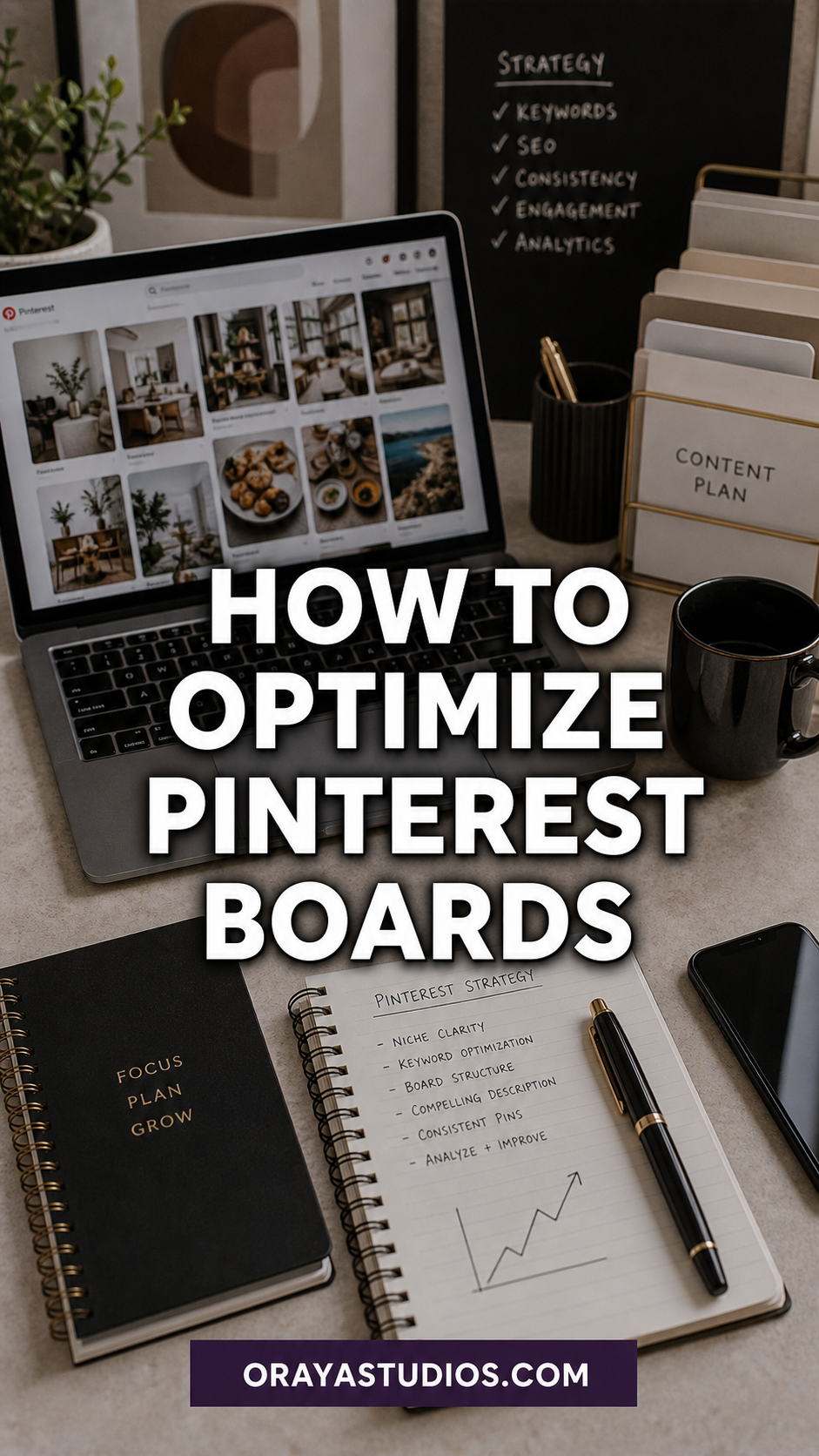
What Does It Mean to Optimize a Pinterest Board?
Board optimization means making every element of your boards work harder for Pinterest search. That includes the board name, the board description, the board cover image, the types of pins you save there, and how often you add new content. Each of these signals helps Pinterest understand what your board is about and who should see it.
Think of each board as a mini landing page for a specific topic. Just like you would optimize a blog post with a keyword-rich title, meta description, and structured content, your Pinterest boards need the same level of attention. The algorithm reads board metadata to decide where your pins show up in search results and related feeds.
An optimized board does three things well. It tells Pinterest exactly what topic it covers through its name and description. It demonstrates authority on that topic through a deep collection of relevant pins. And it stays active with regular new additions, signaling to Pinterest that the board is current and worth recommending.
How to Optimize Board Names for Pinterest Search
Your board name is the single most important optimization factor. Pinterest uses it as the primary signal for understanding what content belongs on that board and which searches should surface pins from it.
Start by checking every board name against Pinterest search. Type your current board name into the search bar. Do the results match the type of content on your board? If you search “Style Inspo” and get random results that do not match your actual pins, that board name is not working for you.
Replace vague board names with keyword-specific ones. “My Recipes” becomes “Easy Weeknight Dinner Recipes.” “Home Ideas” becomes “Small Apartment Decorating Ideas.” The more specific your board name, the better Pinterest can match it to relevant searches. Aim for 3-6 words that include your primary keyword for that topic.
Use the Pinterest search bar suggestions to find the best phrasing. When you start typing, Pinterest auto-completes with popular search terms. Those suggestions are gold because they tell you exactly how real users phrase their searches. Match your board name to these suggestions whenever possible. This is the core of Pinterest SEO at the board level.
Writing Board Descriptions That Boost Visibility
Board descriptions are the second biggest missed opportunity in Pinterest optimization. Many bloggers leave them blank entirely. Others write a single sentence that adds nothing useful. Your board description should work like a mini SEO paragraph that tells Pinterest every related keyword and subtopic the board covers.
Write 2-3 sentences for each board description. Include your primary keyword plus 3-5 semantic variations. For a board called “Easy Weeknight Dinner Recipes,” your description might mention quick meals, 30-minute dinners, family dinner ideas, simple cooking, and budget-friendly recipes. These related terms help Pinterest understand the full scope of your board.
Write naturally. Do not stuff keywords into an unreadable mess. Pinterest can tell the difference between a useful description and keyword spam. The description should read like a short pitch explaining what someone will find if they follow this board. Keep it informative and specific without sounding robotic.
Choosing the Right Board Cover Images
Board covers are the first visual impression visitors get when they land on your profile. A cohesive set of board covers makes your profile look professional and organized, which increases the chance someone will follow your boards or click through to explore them.
Pick board covers that clearly represent the board topic at a glance. For a “Skincare Routine Tips” board, choose a cover that shows skincare products or a clean beauty setup. For a “Fall Outfit Ideas” board, use an image that screams autumn fashion. The cover should tell the story before anyone reads the board name.
You can create custom board cover images using a tool like Canva. Use consistent branding across all your board covers for a polished look. Same font family, same color palette, same layout style. This visual consistency builds brand recognition and makes your profile stand out against accounts with random, mismatched covers. Tracking which covers perform best is easy with your Pinterest analytics dashboard.
Need keyword research templates for your board descriptions?
The Pinterest SEO Starter Kit includes description frameworks and keyword mapping sheets designed for bloggers. Get the Pinterest SEO Starter Kit →
How to Organize Board Order on Your Profile
The order of boards on your profile matters more than most people realize. Pinterest shows your top boards first when someone visits your profile. Put your highest-performing and most relevant boards at the top so visitors immediately see your best content.
Arrange boards by priority. Your most-pinned-to boards and your core blog topic boards should sit in the first two rows. Push personal boards, group boards, and less active boards lower on the profile. You can rearrange boards by dragging them in the board organizer on desktop.
Consider removing or archiving boards that do not fit your niche. That random recipe board on your fashion-focused account is sending mixed signals to Pinterest about your account’s topic focus. Archive anything that is off-topic or inactive for more than six months. This cleanup helps Pinterest categorize your account more accurately.
Pinning Strategies to Keep Boards Active
An optimized board that sits dormant will lose its ranking over time. Pinterest rewards active boards with more distribution. Aim to add fresh pins to each of your core boards at least 2-3 times per week, with daily pinning across your full board set.
Fresh pins are king. Pinterest prioritizes brand new pin images over repins of existing content. Create multiple pin designs for each blog post so you have a steady supply of fresh visuals to pin to your boards over weeks and months. One blog post can generate 5-10 unique pin designs with different layouts, colors, and text overlays.
Mix your own content with quality curated pins. About 70% of your pins should link to your own blog posts, and 30% can be curated from other creators in your niche. Curating good content signals to Pinterest that your board is a genuine resource, not just a self-promotion tool. This balance helps boards grow faster because Pinterest sees them as useful to its users.
Use a scheduling tool to batch your pinning and maintain consistency. Set aside one hour per week to create and schedule pins for the coming days. Consistency beats volume. Five pins per day every day will outperform 50 pins one day followed by a week of silence. Pinterest marketing rewards steady, reliable activity above everything else.
How to Review and Improve Board Performance
Check your Pinterest analytics monthly to see which boards drive the most impressions, clicks, and saves. Sort your boards by performance and identify your top 5 performers. These boards deserve more attention and more pins because they are already resonating with your audience.
For underperforming boards, diagnose the problem. Is the board name too vague? Is the description missing or thin? Are you pinning to it often enough? Sometimes a simple name change and description rewrite can revive a stagnant board within a few weeks.
Do a quarterly board audit. Check every board name against current search trends, update descriptions with fresh keywords, refresh board covers if needed, and archive any boards that have not generated meaningful traffic in six months despite active pinning. Treat your boards like living assets that need regular maintenance, not a set-it-and-forget-it setup. The data from your traffic analytics should drive every decision you make about board changes.
Want the complete Pinterest growth system?
The Complete Pinterest Toolkit covers board optimization, pin creation, scheduling, and analytics tracking in one bundle. Get the Complete Pinterest Toolkit →
Frequently Asked Questions
How often should I update my Pinterest board names?
Review board names quarterly. Update them when you notice a board underperforming or when search trends shift. Avoid changing names more than once every 3 months to give Pinterest time to re-index your board with the new name.
Do board descriptions really affect Pinterest search rankings?
Yes. Board descriptions give Pinterest additional keyword signals about your board topic. A well-written description with semantic keyword variations helps Pinterest surface your board and its pins in more related searches.
Should I delete boards that are not performing well?
Archive them rather than deleting. Archived boards are hidden from your profile but preserve your pin history. If an underperforming board is off-topic for your niche, archiving it can actually help Pinterest better categorize your remaining boards.
How many pins should each board have before I consider it optimized?
Aim for at least 30-50 pins per board. This gives Pinterest enough content to understand the board topic thoroughly. Boards with fewer than 15-20 pins are typically too thin to rank well in search or be recommended to users.
Can I optimize boards on Pinterest mobile?
You can edit board names and descriptions on mobile, but the desktop version gives you more control. Board reordering, cover selection, and analytics review are all easier on desktop. Do your major optimization work on a computer and use mobile for daily pinning.
Key Takeaways
- Use keyword-rich board names (3-6 words) that match actual Pinterest search suggestions
- Write 2-3 sentence board descriptions with your primary keyword plus 3-5 semantic variations
- Create consistent, branded board covers that visually represent each topic
- Pin to each board 2-3 times per week minimum with a 70/30 mix of your own and curated content
- Review board performance monthly and do a full audit quarterly
- Archive off-topic or consistently underperforming boards to strengthen account focus
Conclusion
Board optimization is the quickest win most Pinterest users are ignoring. While everyone focuses on pin design and descriptions, your boards are the structural foundation that determines where and how often your content gets seen.
Spend one afternoon going through every board on your account. Update the names, write real descriptions, set proper covers, and archive anything off-topic. That single session of work will pay dividends for months as Pinterest better understands your account and serves your content to the right audience.